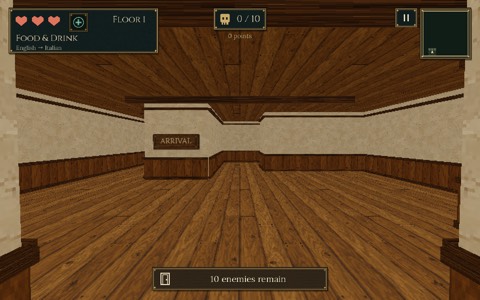
Your voice is the spell.
Descend through a pixel crypt. Every monster carries a word. Say it out loud in the language you’re learning and it falls.
Three steps, one floor at a time
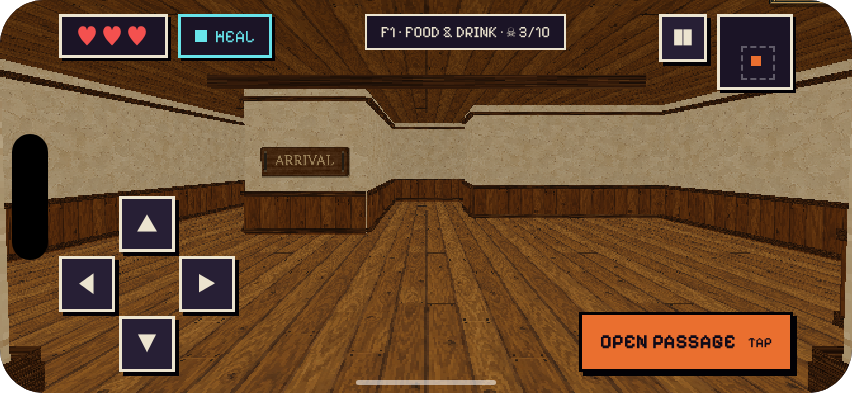
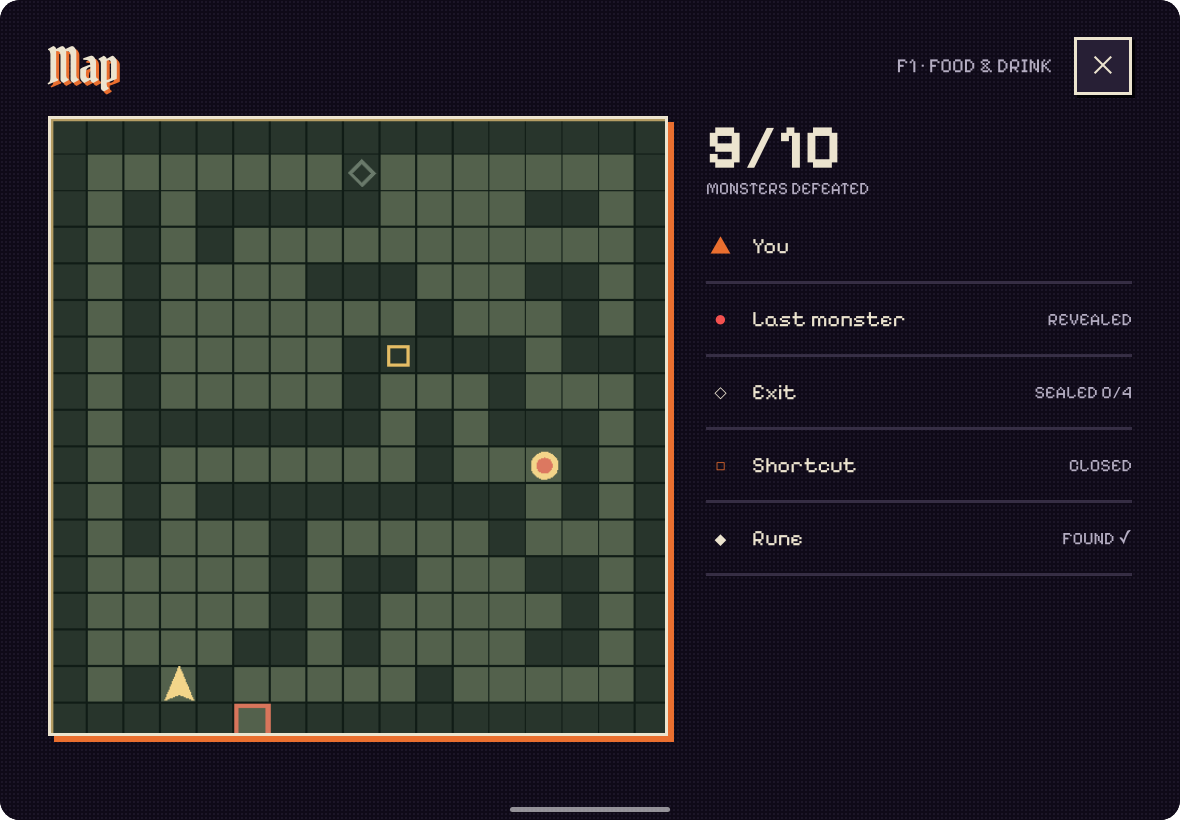
Explore the crypt
Each floor is one theme, like Food & Drink or Animals. Find the monsters, the rune and the sealed exit.
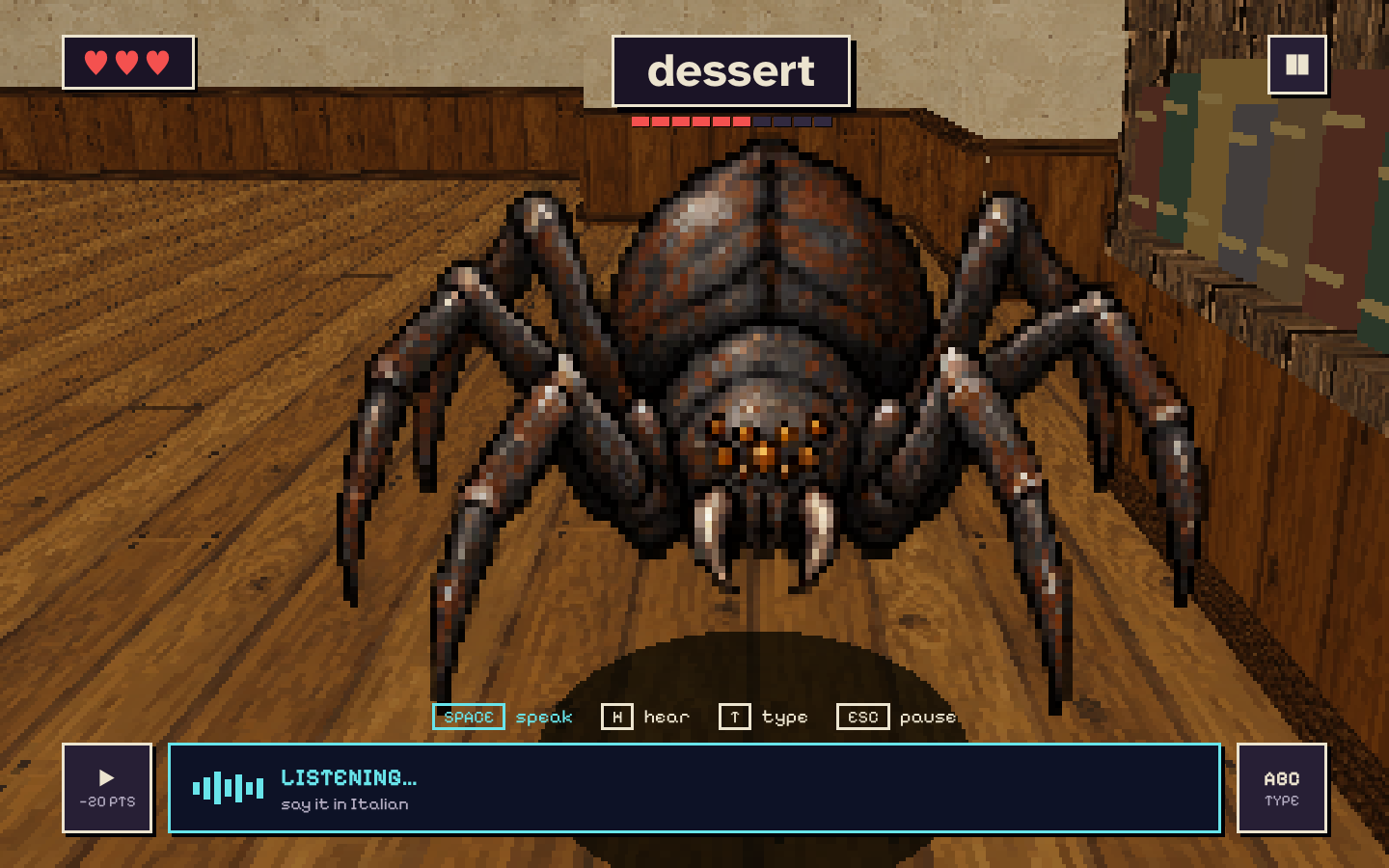
Face a word
Every monster shows a word in your language. Stuck? Hear it spoken, at a small cost in points.
Speak to cast
Say the translation out loud. Get it right and the spell lands. Get it wrong and you lose a heart, then you see the answer.
A real game, with real words
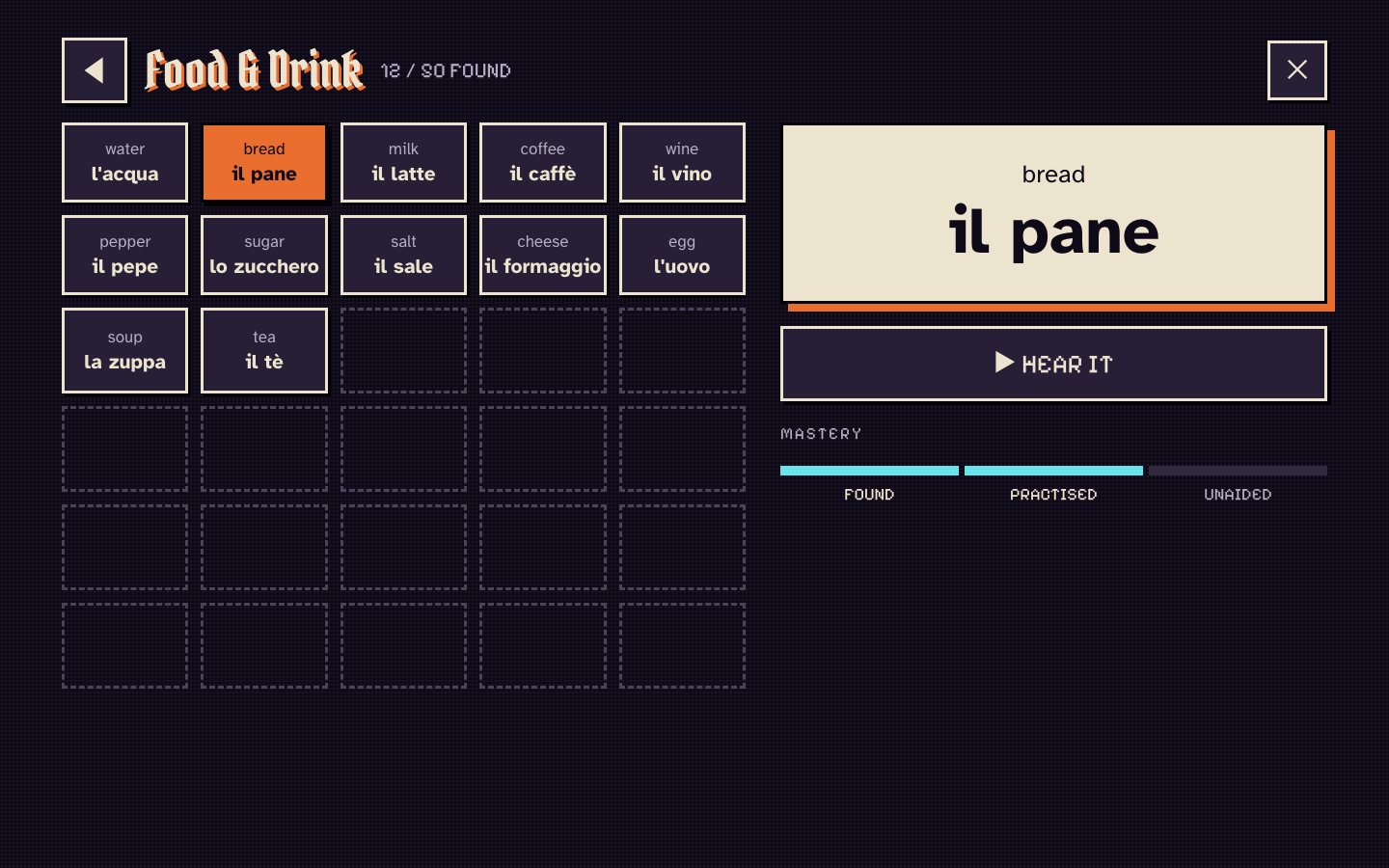
The Spellbook remembers
Every word you defeat goes into your Spellbook, sorted by floor. Listen again, see how well you know it, and work each word from found to practised to known by heart.
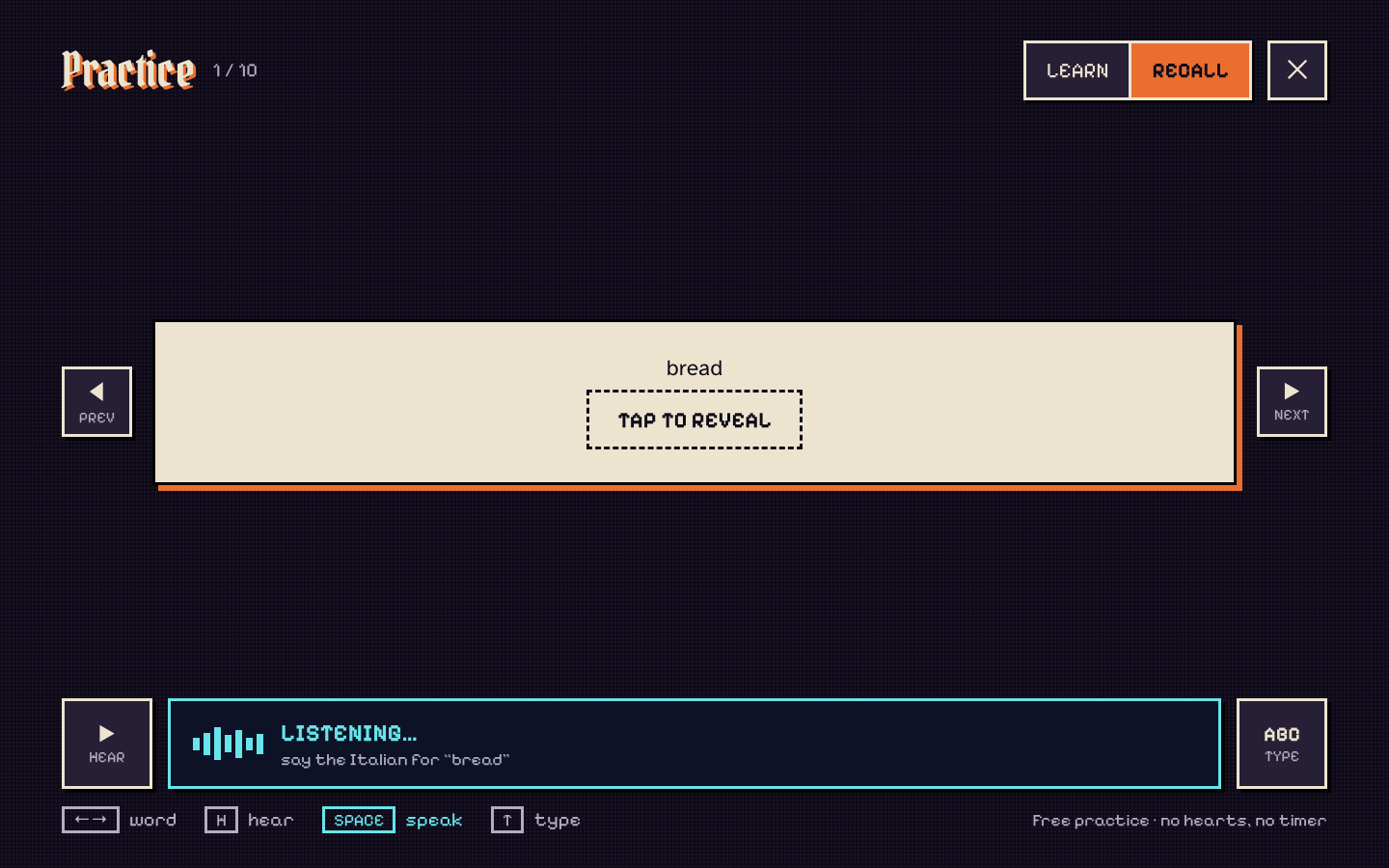
Practise without pressure
Practice mode has no hearts and no timer. Learn a word by hearing it, then switch to Recall and say it from memory before you reveal the answer.
Learn from any of five
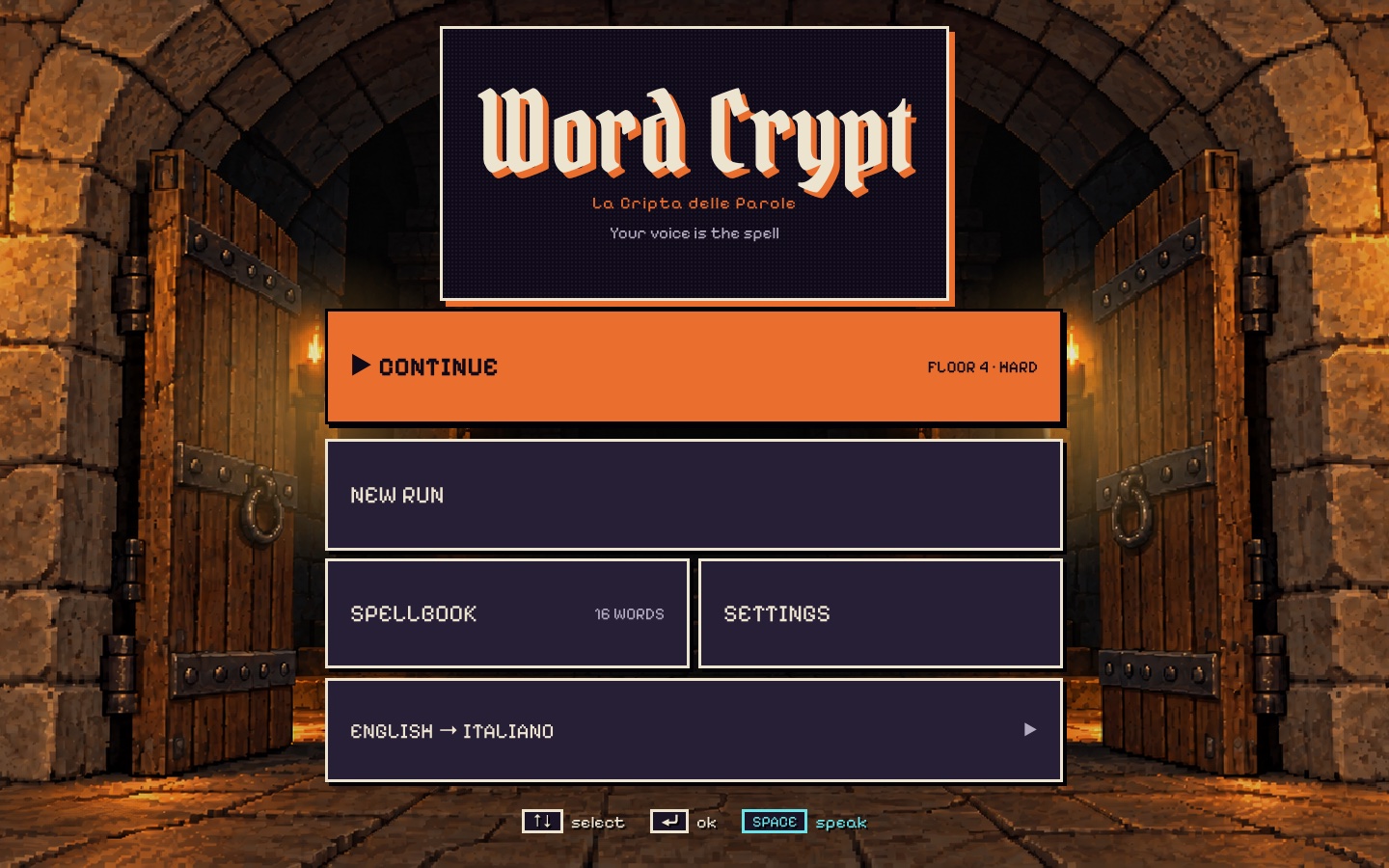
Pick the language you speak and the one you want to learn. Every pair keeps its own Spellbook, so you can switch whenever you like.
- English
- Deutsch
- Italiano
- Español
- Français
iPhone, iPad and Mac
Questions
Do I need to speak out loud?
Voice is the main way to cast, but you can switch to typing at any moment, in the settings or right in an encounter.
Does speech recognition need the internet?
On supported devices it runs on the device using Apple’s speech recognition, so your voice stays on your iPhone, iPad or Mac.
Which languages can I learn?
English, German, Italian, Spanish and French, in any direction. Each language pair has its own progress.
Is there a timer?
Encounters keep the pressure on. Practice mode has no hearts and no timer, for calm repetition.
What happens when I miss a word?
You lose a heart and see the correct word, and you can hear it for free. Then you try again.


The crypt is waiting.


Bring your voice. Leave with a few hundred new words.
Download on theApp Store iPhone · iPad · Mac